

3D printing is a powerful tool for transforming digital concepts into physical prototypes. The Library’s i-Space offers entry-level self-service 3D printers to support students and staff in mastering rapid prototyping and actualising designs for academic projects and hands-on learning.
 To maintain equitable access for the entire university community, this service is designated for short-duration prototyping. Users must reserve equipment via iBooking system, subject to daily and weekly quotas.
All print jobs must be completed entirely within the reserved session. Users are advised to plan their designs and estimated print times carefully to ensure compliance and fair usage.
To learn how to use a 3D printer or to request a longer print job for prototyping your academic work, you may make an appointment for a consultation session.
You may make an appointment for the consultation service to learn how to use the 3D printing equipment via i-Space consultation services appointment.
After the consultation session, longer print jobs for prototyping of academic work can be scheduled on a first-come, first-served basis on the Bambu H2D Pro 3D printer (Build volume [W*D*H]: 325 mm x 320 mm x 325 mm [Single Nozzle]; Nozzle Diameter: 0.4 mm; Filament Diameter: 1.75 mm; and Colour: black, white, grey) during office hours.
Information on the 3D Printers:
| Printer Name | Printer 1, Printer 2 and Printer 3 | ||||||
| Model |
Bambu Lab |
||||||
| Build Volume | 256 x 256 x 256 mm | ||||||
| Nozzle Diameter | 0.4 mm | ||||||
| Layer Thickness | 0.08 mm - 0.28 mm | ||||||
| Print Precision | ± 0.2 mm | ||||||
| Material | Only PLA (bio-degradable polymer) filament will be provided. | ||||||
| Filament Diameter | 1.75 mm | ||||||
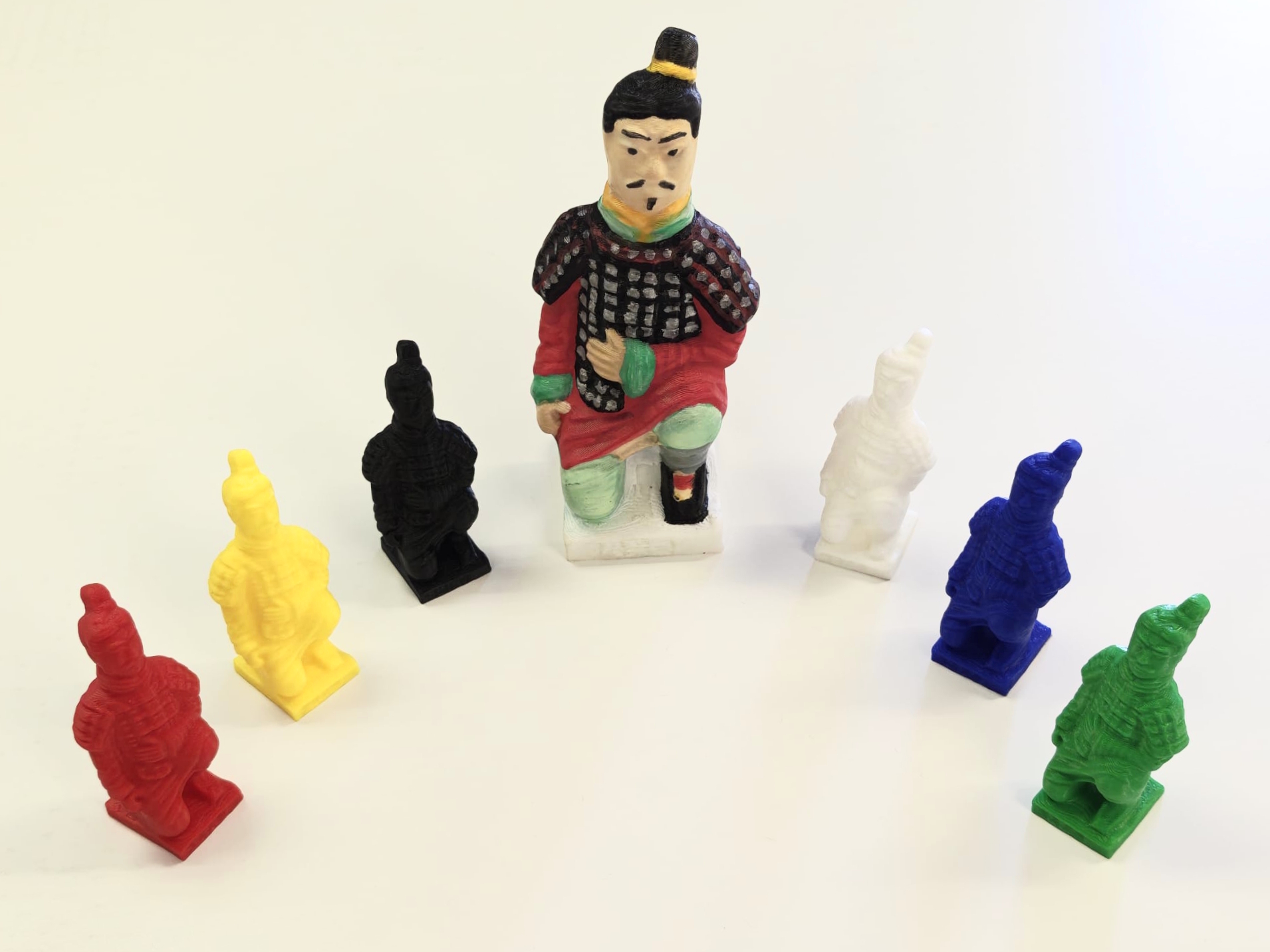
| Colour | Default filament colours :
|
||||||
| Reference |
|

Eligible Users
- PolyU/CPCE staff and students
Reservation Policy
- Reservations can be made 3 days in advance via iBooking System.
- Duration of each booking session is 1 hour.
- A maximum of 4 sessions (including Booked, Claimed, Finished and No-show status) can be reserved per day.
- A maximum of 8 sessions per week from Monday to Sunday.
- Users can select multiple consecutive time sessions in one single reservation record.
- Users can reserve the current session of the facility only (if available) when they have used up their booking quota.
- Users can only reserve one facility for the same time session.
Check-in & Check-out
- All sessions in the same reservation record will be cancelled and released to other users if users do not log in the PC connected to 3D printer by tagging their student/staff cards within 10 minutes after the booking session starts. The no-shows will still count towards the booking quota.
- Reminders will pop up on the printer’s PC screen at the last 10, 5 and 2 minutes before the current session expires to alert users to save their files. The current user will be checked out automatically and the printer’s PC will return to the login page for the next session once the current session expires.
- Users are encouraged to check out from the printer’s PC to end their session after use.
User Guidelines
- Users must make sure their print jobs are finished within their booked session. Any incomplete jobs may be stopped by the user or by Library staff to allow for subsequent bookings.
- No extension of service time or compensation will be provided for delays caused by software problems, hardware issues, or filament refills.
- Any unattended belongings will be removed after the reserved session so that the facility can be released to other users. The Library will not be responsible for any loss or damage to your personal belongings.
- Overnight printing is not allowed. All printers will shut down automatically at midnight.
- Users are responsible for ensuring their designs comply with all applicable laws and do not infringe on intellectual property rights.
- Use of the 3D printers is limited to teaching, learning, research, and other non-commercial purposes.
- The use of PCs shall comply with Library regulations. Users who violate the regulations will be subject to disciplinary action.
- Users should not connect the facilities with their own equipment without the prior consent of Library staff.
- Always save your files to your own devices or cloud storage services. All data will be erased once the computer is restarted or turned off. The Library will not be responsible for any loss or damage to your files.
- The Library reserves the right to allocate any available facility to users, or remove facilities from service as needed such as maintenance purposes and events.
Disclaimer
- The library makes no guarantees regarding the quality, accuracy, or functionality of printed objects. The service is provided "as is," and users assume all risks associated with the use of the equipment and materials.
- The library is not liable for any damages, losses, or injuries resulting from the use or misuse of the 3D printers or printed items.
- The library reserves the right to modify, suspend, or discontinue the 3D printing service at any time without notice.

 PolyU Library AI Chatbot