Digital Equipment for Loan

Notebook Computers / Tablets

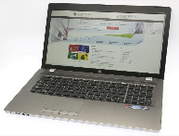
Notebook PC

Notebook PC
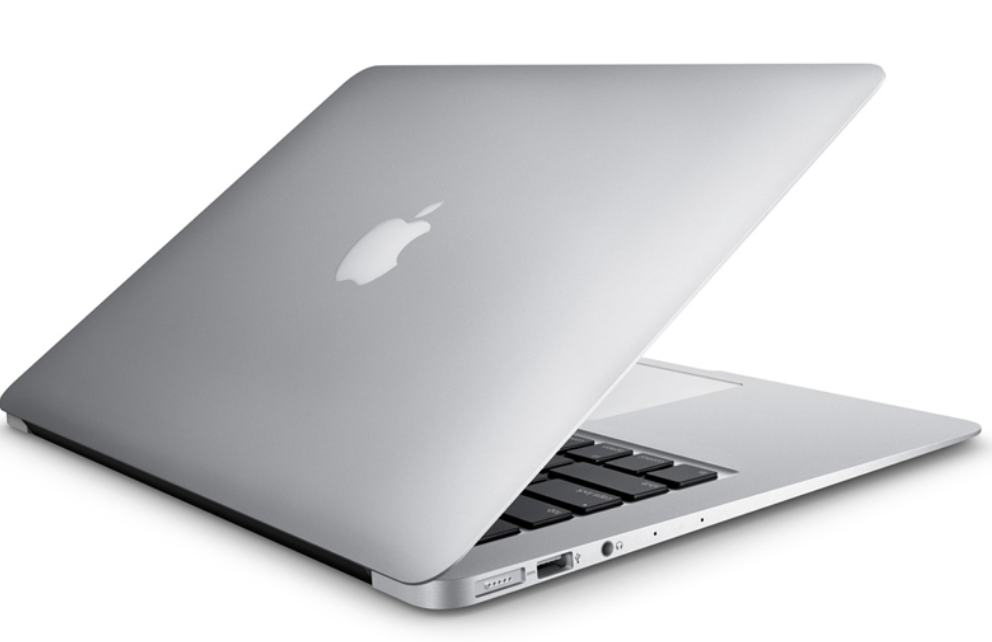
Apple MacBook

Apple MacBook
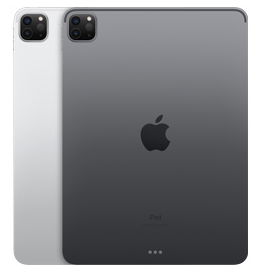
Apple iPad Pro

Apple iPad Pro
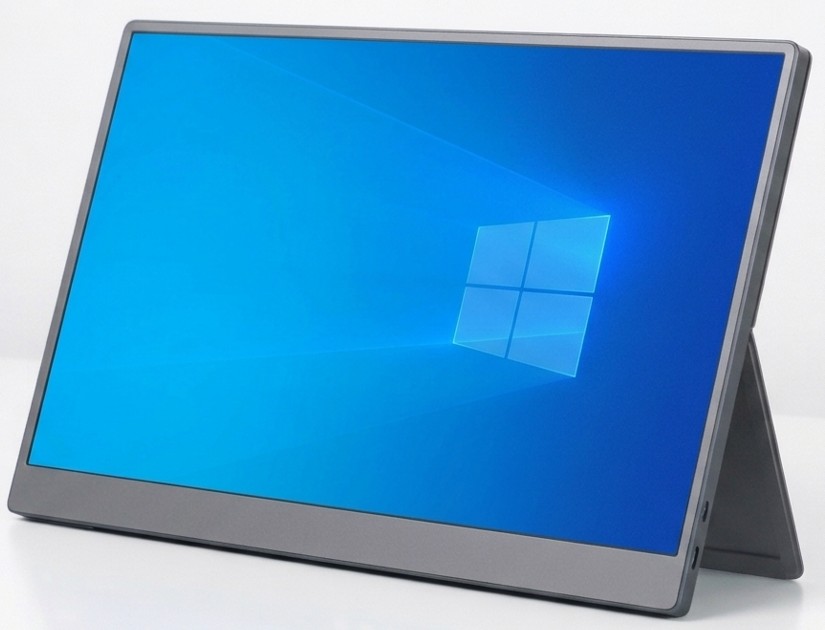
Portable Monitor

Portable Monitor
  • Eligibility: PolyU staff and students enrolled on programmes leading to PolyU awards 
  • Location: Self-service kiosk (Notebook & Tablet), i-Space, 4/F North Wing
  • Loan period: Up to 5 hours or before the Library closes, whichever is earlier
  • Overdue charge: $10 per hour
  • Note: Library use only

Computer Accessories

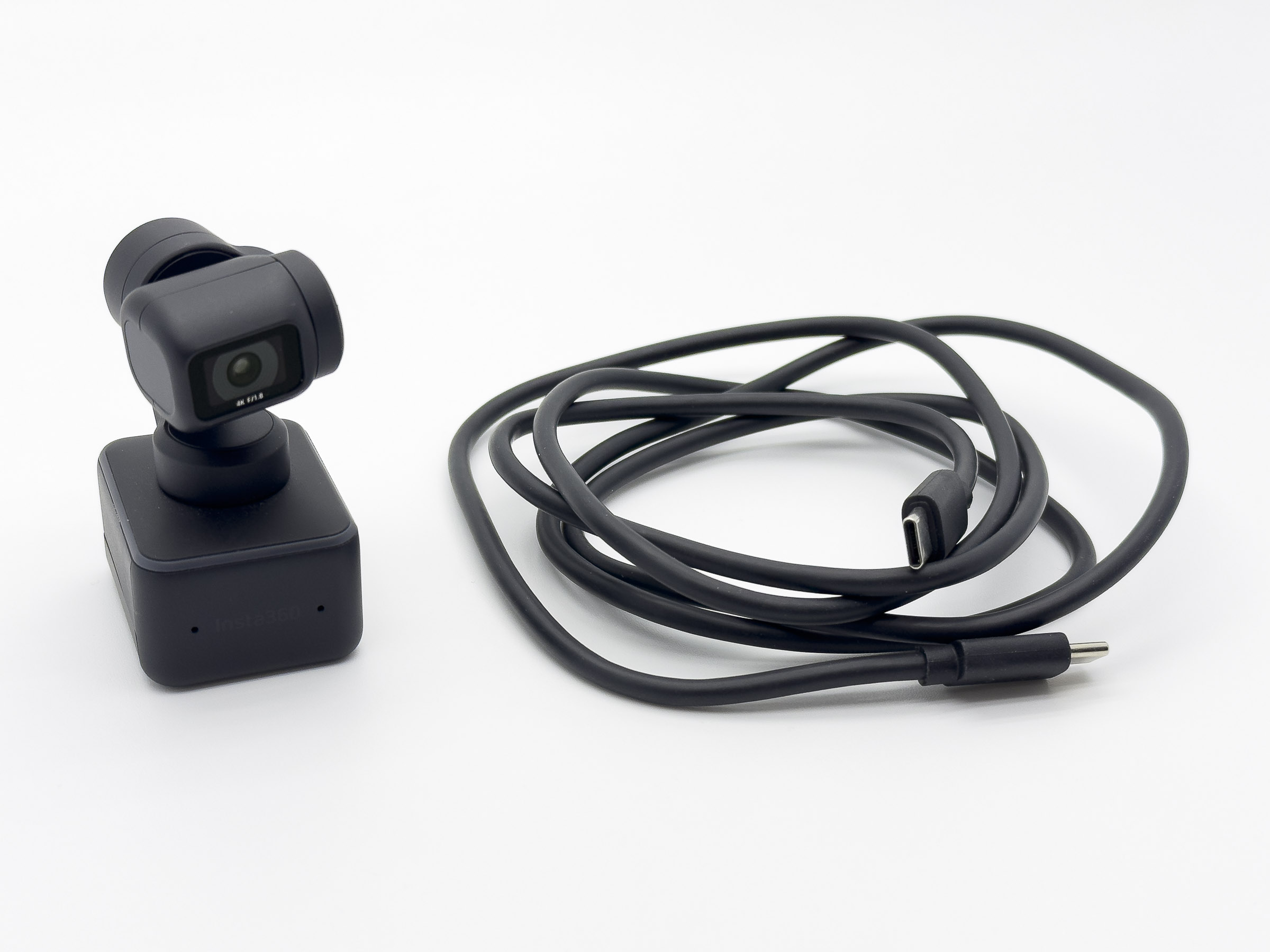
4K Webcam

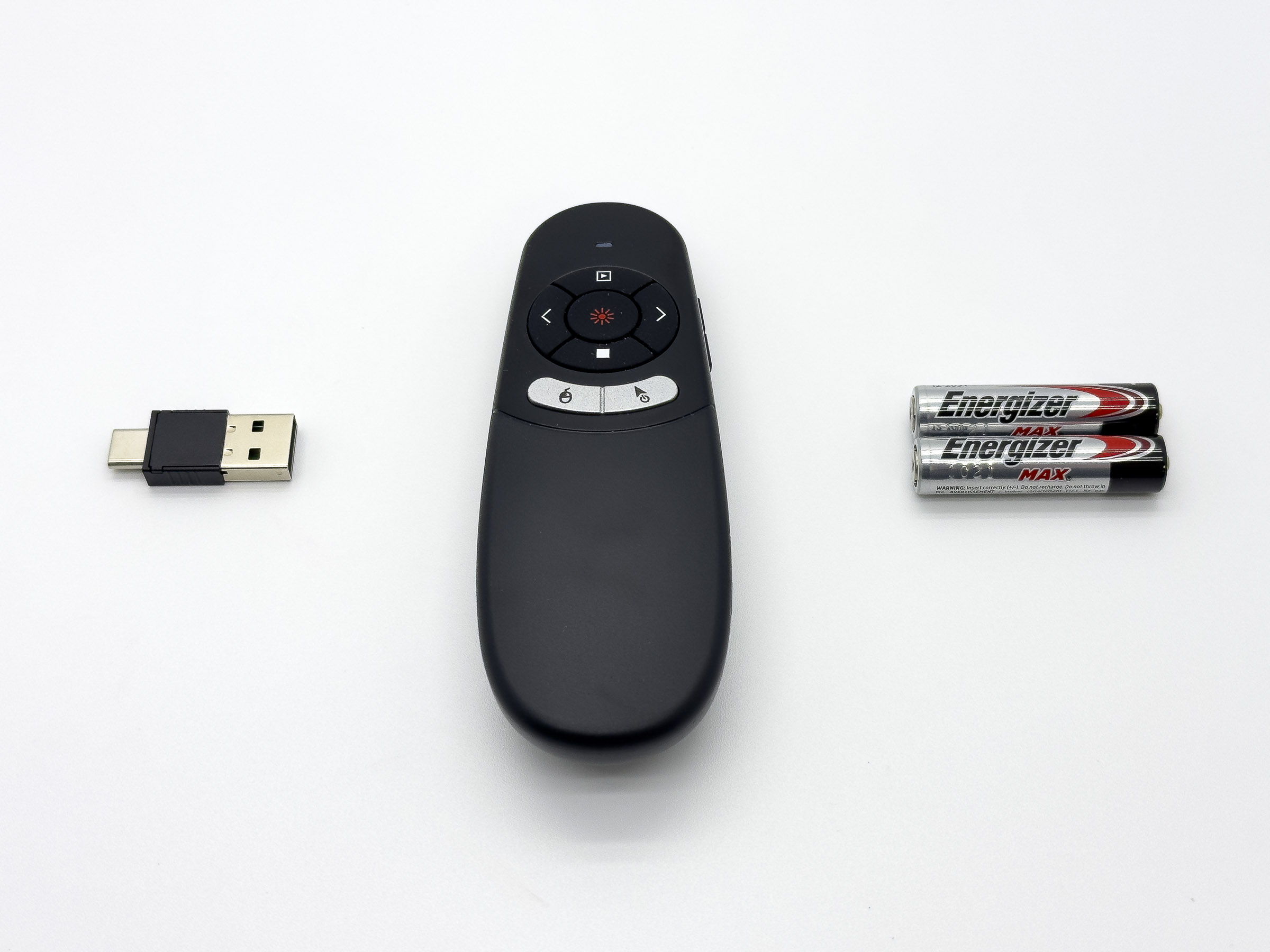
Air Mouse Presenter

Chinese Writing Pad

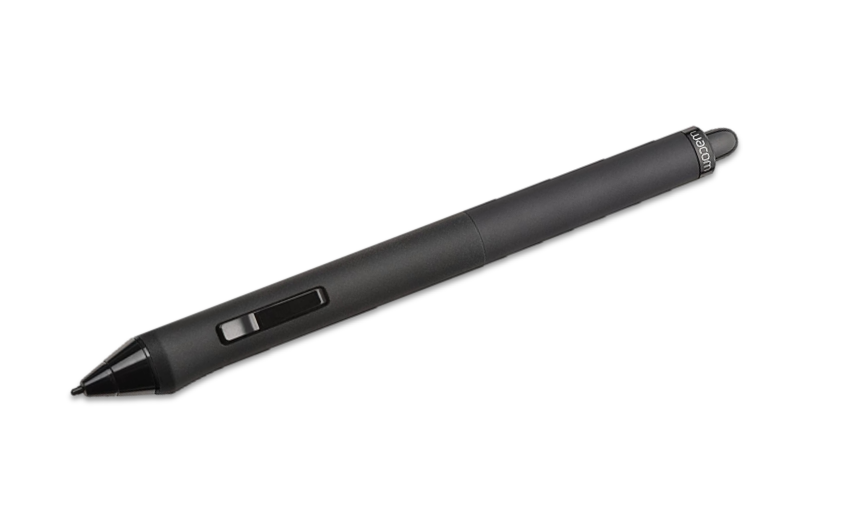
Drawing Pen*
-Wacom Intuos4
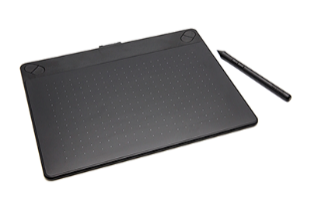
Drawing Pen & Tablet**
-Wacom Intuos Medium
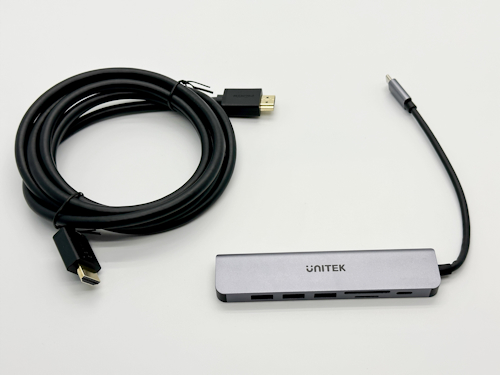
HDMI Cable and
USB-C Hub / Card Reader

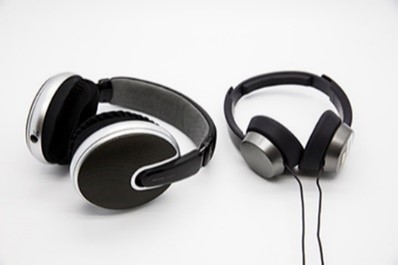
Headphone

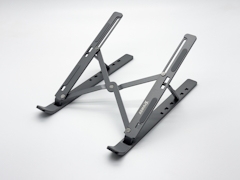
Laptop Stand

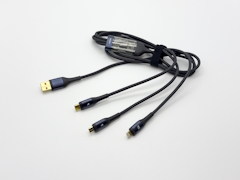
USB Cable

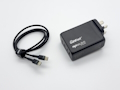
USB Charger

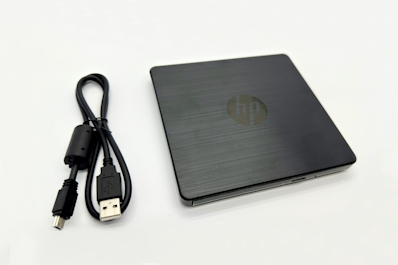
USB DVD-RW Drive

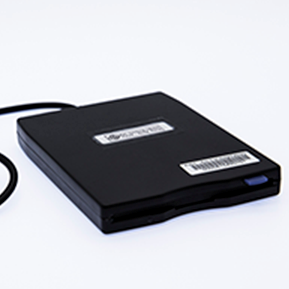
USB Floppy Drive

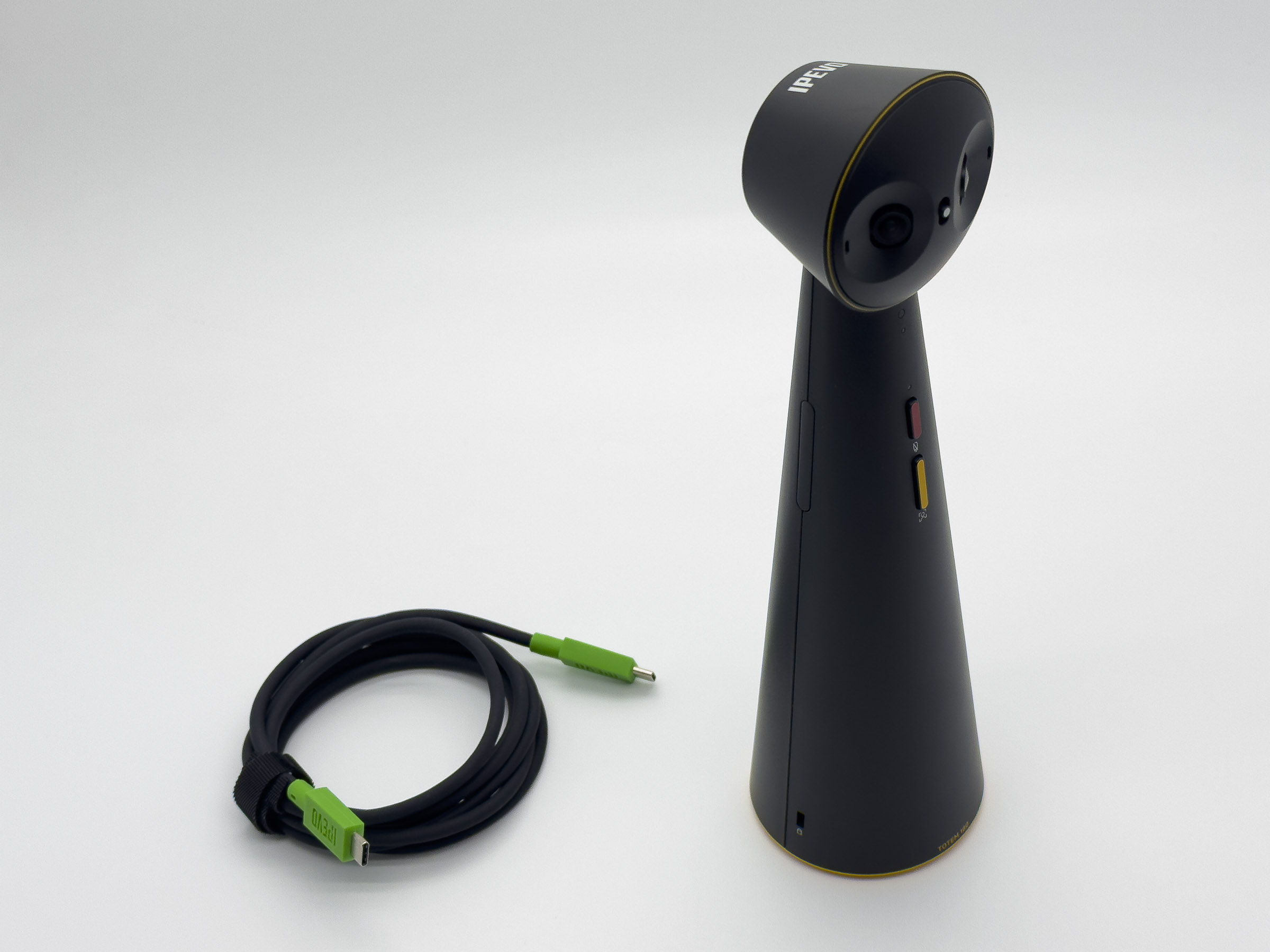
Video Conference Camera
-IPEVO TOTEM 180
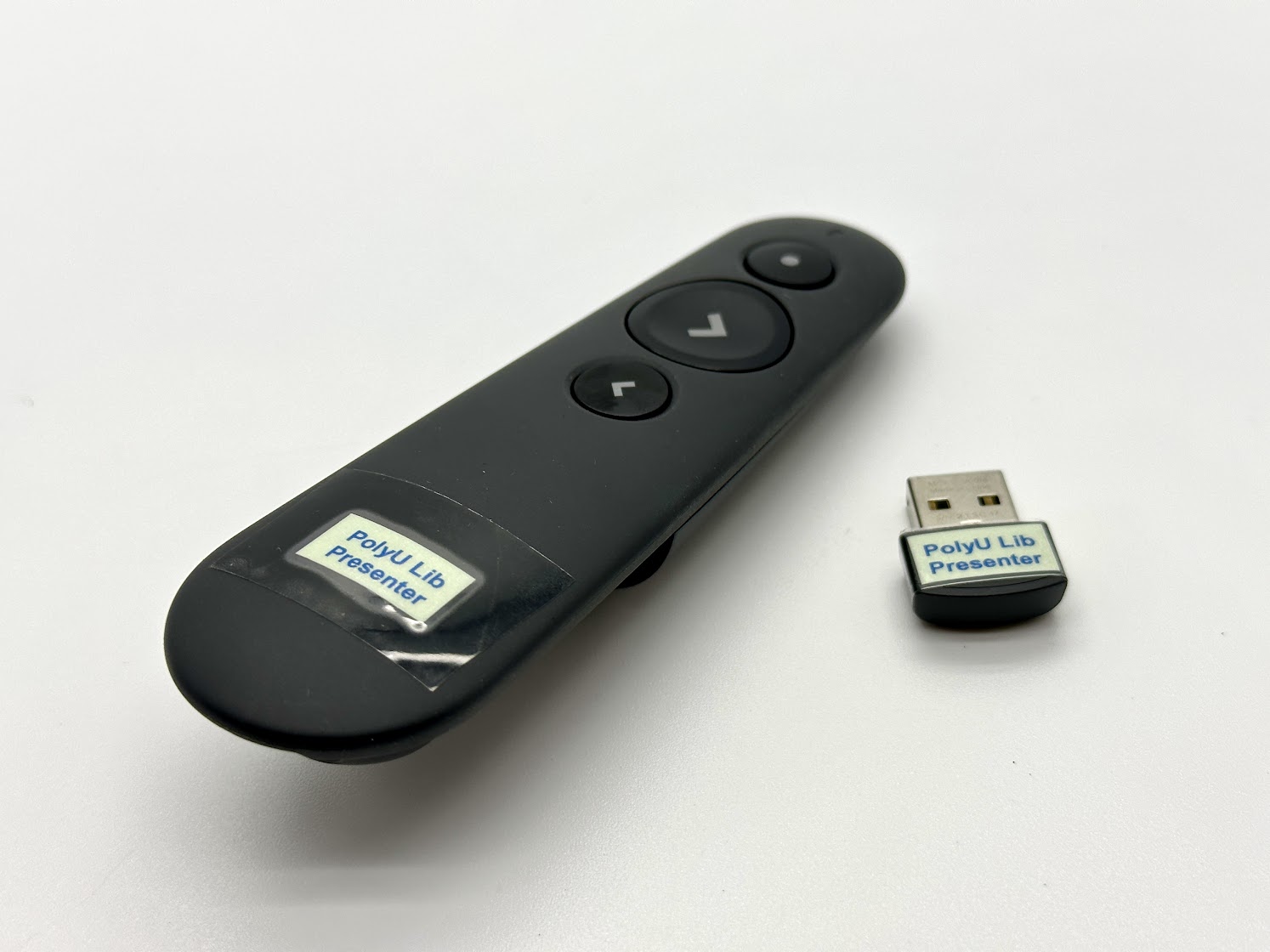
Wireless Presenter

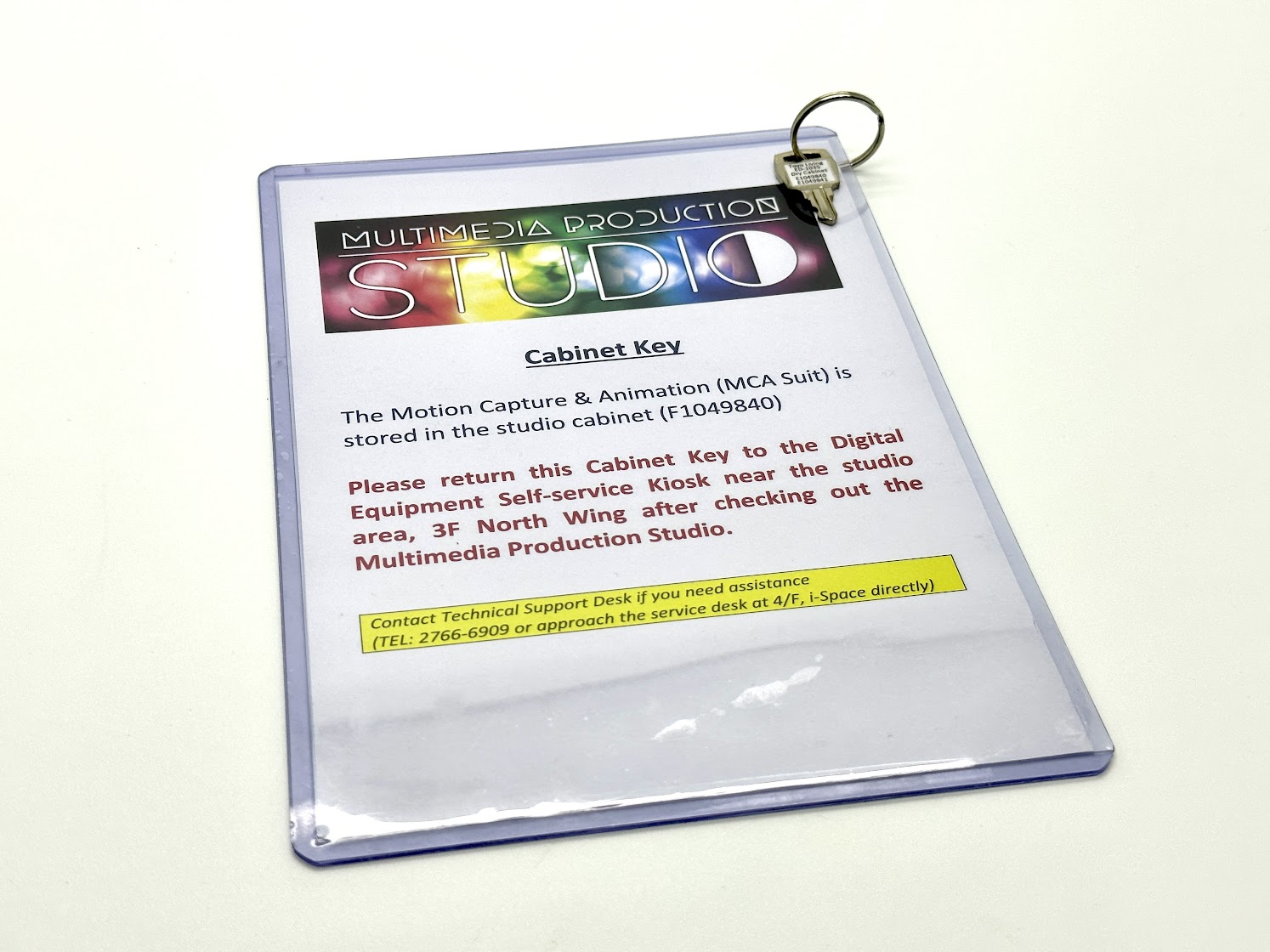
Motion Capture Suit Key***


Remark:
*Users may download the driver (CTH-690) and use it with their notebook
**Use with the Wacom Intuos4 Tablet installed at 3/F North Wing 3NW-01 (Mac) or 3NW-14 (PC)
***For using the Motion Capture Suit at the
Multimedia Production Studio.

Technology Equipment 

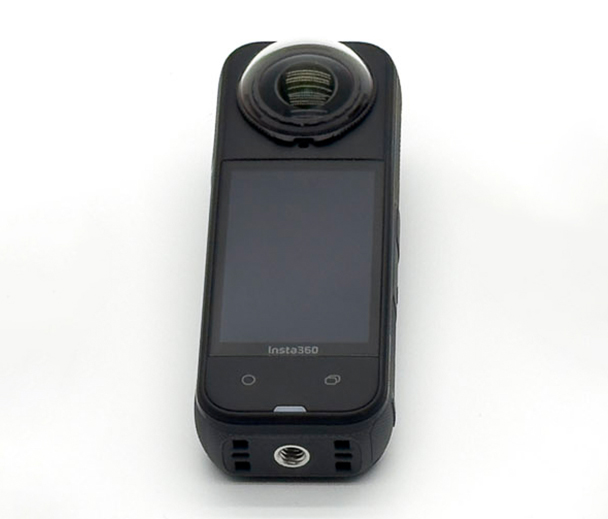
360 Camera
- X2/X3/X5
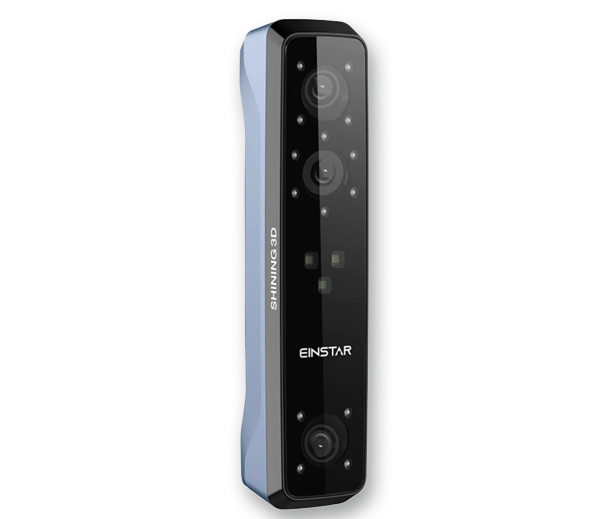
3D Scanner (Portable)
- Shining 3D EINSTAR
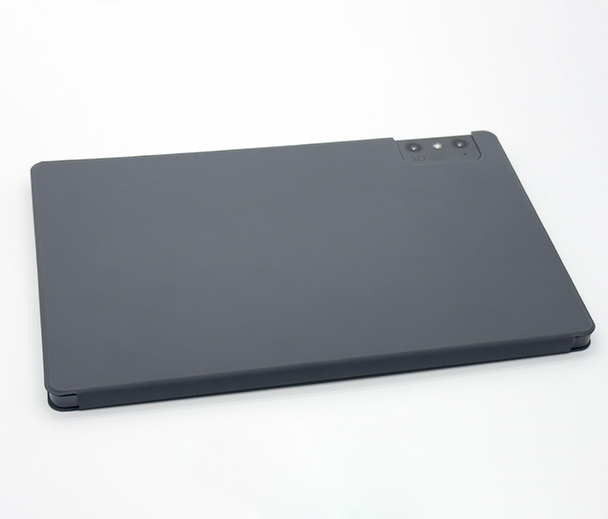
3D Viewer (Portable)
- Leia inc Luma Pad 2
AR Glasses
- XREAL Air 2 Pro

Compact Video Camera
- DJI Osmo Pocket 3
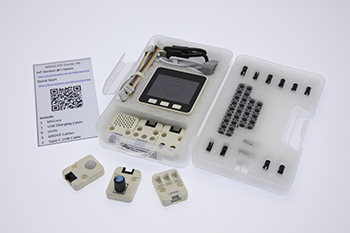
IoT: ESP32
- M5GO: IoT Starter Kit
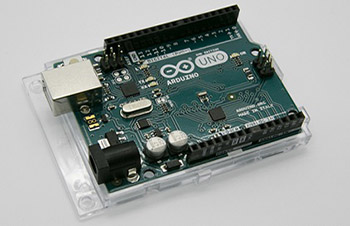
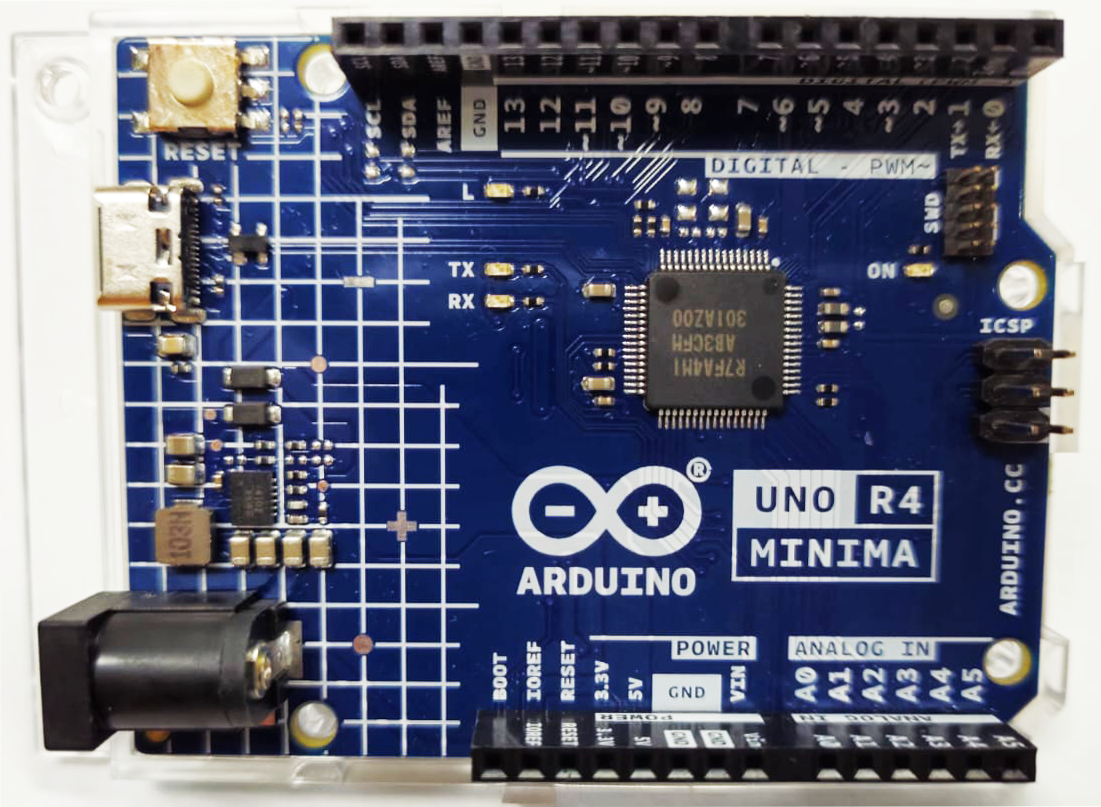
IoT: Arduino Uno R4 Minima

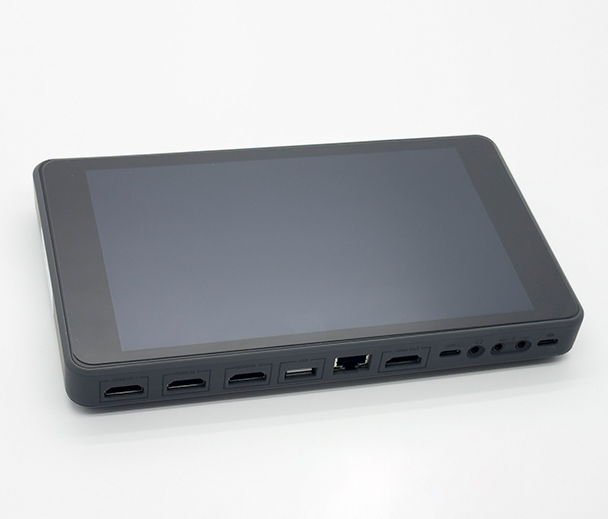
Live Production System
- YoloBox Pro

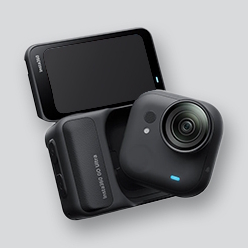
Point of View Camera
- Insta360 GO Ultra
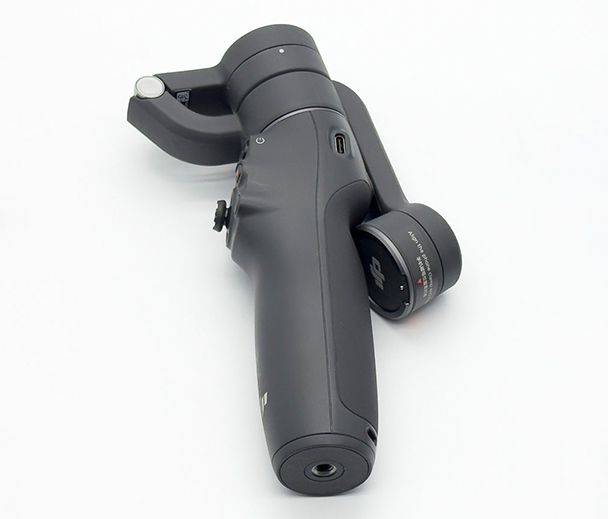
Smartphone Stabilizer
- DJI Mobile 6
VR Headset
- Meta Quest 2
VR Headset
- Meta Quest 3
VR Tracker
- Sony mocopi

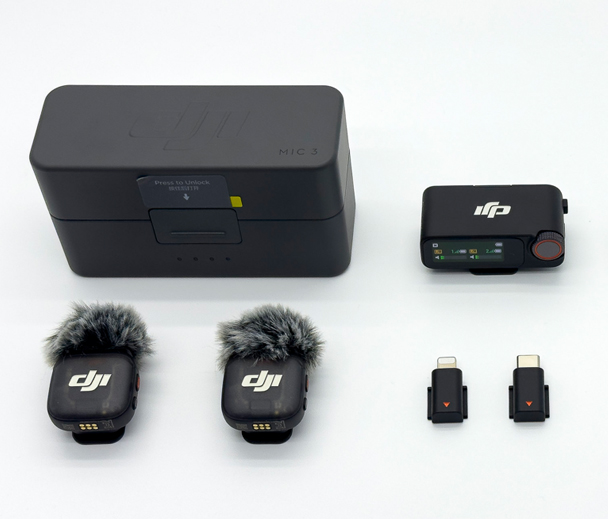
Wireless Mic
- DJI Mic 3
  • Eligibility: PolyU/CPCE staff and students
  • Location: Self-service Kiosk (Makerspace), Digital Makerspace Plus, 4/F North Wing
  • Loan period: 2 days
  • Overdue charge: $10 per day
  • Note: Can be used outside the Library

Loan rules:

  • Equipment is available on a first-come, first-served basis.
  • No advance booking, renewals or overnight loan for equipment of 1-day loan.
  • Users must inspect the equipment to ensure that the equipment is in good working order before and after use.
  • Any problems with the hardware or software should be reported immediately to library staff.
  • All items must be returned to the borrow location before the library closes.
    • They should allow 10 minutes for the procedure.
    • User should counter-check with the item(s) listed on the bag to ensure all items are included.
    • Never return the equipment and the accessories to the self-check stations in the Library or the 24x7 automated book return station.

Points to Note

Data Erasing: Always save your files to your own devices or cloud storage services. All data will be erased once the equipment is restarted or turned off.

Security: Never leave the equipment or its accessories unattended or remove it from the Library building. Do not modify the hardware or software of the equipment, or install any software or apps in the equipment.

Liability: Borrowers assume full financial responsibility for the cost of repair or replacement of any lost, stolen or damaged equipment and its peripherals.

How to use the Self-service Kiosk:

For instruction, please see this video.

Help:

  • Technical Support Desk, i-Space, 4/F North Wing (Tel: 2766-6909)